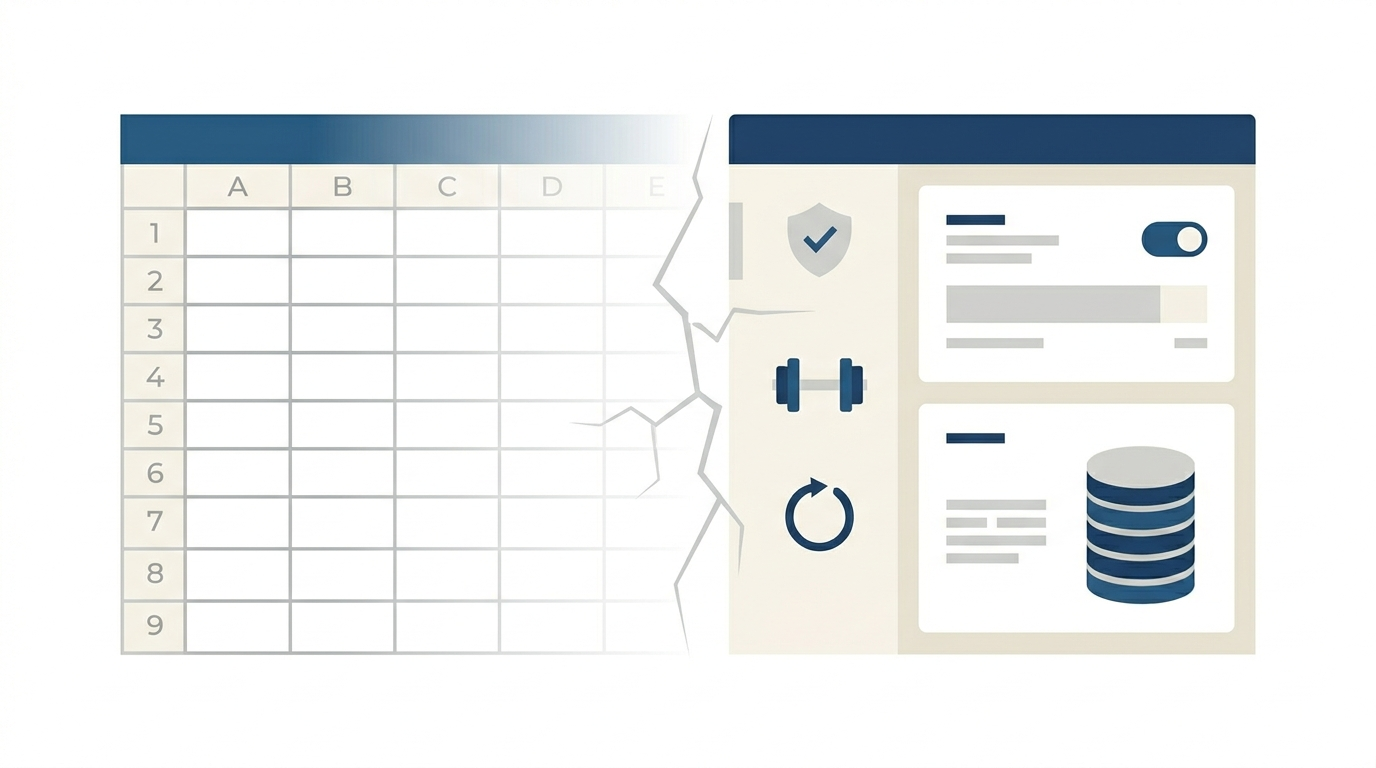
Why I Stopped Using Excel for My Finances (And What I Actually Needed)
For several years, I managed my finances in Excel. It wasn’t just any spreadsheet: I’d invested time building it, it had formulas that worked, neatly organized categories, color coding. At the time, it was exactly what I needed.
Until it wasn’t.
It wasn’t a dramatic moment. It was an accumulation of small frictions that, over time, turned the spreadsheet from a useful tool into something I avoided opening.
The first problem: recurring expenses
The specific point where I started noticing things weren’t working was with recurring expenses and future projections.
I had a section of the spreadsheet for the upcoming months. Rows with rent, electricity, the gym membership, insurance, self-employment contributions. Every month I had to copy those rows forward, update amounts when they changed, and delete the ones that no longer applied.
Inevitably, this would happen: I’d add a new expense, enter it for the current month, and forget to carry it forward to future months. Or I’d update the electricity bill for January but not February. The forecast was almost always wrong in some detail, and I never knew exactly which one.
The tipping point was when I found the same one-off expense entered twice in the upcoming months’ forecast. I’d added it, couldn’t find it when I looked later, and added it again. It’s not that the spreadsheet was poorly designed. It’s that maintaining it demanded constant attention I couldn’t always give.
The second problem: keeping it up to date
A finance spreadsheet is static by nature. It reflects the moment you last updated it. If you update it every day, it’s very accurate. If you update it once a week, it’s fairly accurate. If you update it whenever you remember, which is what ended up happening, it’s a two-week-old photo with smudges.
The problem wasn’t the spreadsheet. It was the cost of keeping it current. Each update meant opening the file, entering transactions one by one, checking that the totals added up, and making sure the future forecast was still coherent. With ten transactions a month, manageable. With forty or fifty, it becomes a job.
And when something feels like a job, you put it off. And when you put it off, it loses its usefulness.
The third problem: freelance accounting
When I also needed to track my self-employed income and expenses in the same tool, the spreadsheet stopped scaling.
The problem wasn’t technical. Excel can handle VAT calculations just fine. The problem was that I needed to separate personal transactions from business ones, calculate input and output VAT by quarter, have the data in the format required by the Spanish Tax Agency (Agencia Tributaria) for official record books, and do it all in a way that if the Agencia Tributaria ever asked for documentation, I could hand it over without having to reconstruct anything.
A spreadsheet can do that. But the cost of building and maintaining it correctly starts to rival the cost of using a tool that already does it.
Why I didn’t go with the obvious alternatives
Before building Cuéntamo, I looked for alternatives. There are personal finance apps that work well. The problem is that most of them are built for the American market, with categories, conventions, and assumptions that don’t match other countries’ realities.
And none of the ones I found had a freelance module that actually covered self-employed tax obligations in a useful way: quarterly VAT with the right breakdown, estimated income tax withholdings, official record books in the format your tax authority expects. The ones that came close were full accounting platforms designed for companies with accountants on retainer, not for a freelancer who wants to manage their own books independently.
The combination of personal finance + freelance accounting + local tax context + something that doesn’t require a manual to use: I couldn’t find anything that checked all the boxes.
What I actually needed
The answer, in hindsight, was simple: I needed recurring expenses to propagate on their own, without me having to maintain them manually. I needed to see the projected balance for the coming months without having to calculate it. And I needed the freelance module to generate the documents the Tax Agency requires without turning into a side project.
None of those three things are impossible to do in Excel. But they require a considerable upfront investment and ongoing maintenance that, in my case, wasn’t sustainable long-term.
What I built in Cuéntamo is basically the answer to those three needs. Recurring expenses automatically generate future transactions. The balance forecast calculates itself. And the freelance module produces record books and quarterly tax calculations from what you’ve already entered.
I’m not saying this to sell anything. I’m saying it because it’s literally the list of things I needed and couldn’t find anywhere else.
And there’s something that even the best spreadsheet in the world can’t do practically: simulate scenarios. What would happen if I lost a client? What if my rent went up 10%? How much does my forecast change if I add an extra income stream? In Cuéntamo you can disable or adjust recurrents in a simulator that recalculates the entire forecast in real time (chart, monthly detail, spending capacity) without touching your actual data. Trying to do that in Excel means duplicating the sheet, manually adjusting formulas, and hoping you don’t break something in the process.
Excel is still a valid option
If you manage your finances in Excel and it works for you, there’s no reason to switch. It’s a perfectly capable tool, and there are people who use it very effectively.
The point where it stops being the best option is when the cost of keeping it up to date outweighs the value it gives you. That point is different for everyone: it depends on how many transactions you have, how much discipline you can sustain, and whether you have freelance activity or just personal finances.
If you haven’t reached that point yet, great. When you do, you’ll know.
How does Cuéntamo help with this?
Cuéntamo grew, in large part, out of the three problems I described above. Recurring items are defined once and project themselves forward; there are no formulas to drag down and no need to remember to enter the insurance receipt every year. Updating stops being manual work because you can import your bank statement (CSV, Excel, or ODS) and let the app recognize the transactions instead of typing them in one by one.
The forecast is probably what you notice most when you leave the spreadsheet behind: instead of just today’s balance, you see where your money is heading over the coming months, with warnings if it ever dips into the red. And if you have freelance activity, the corresponding module works out the VAT and keeps the tax record books from those same transactions: exactly the part that becomes unmanageable in a spreadsheet.
There’s one more difference, mundane but real: an app lives on your phone and your computer at the same time, with no wrestling over file versions or your phone’s spreadsheet app. If Excel still works for you, great; but if you recognized any of the problems in this article, this is what Cuéntamo solves. We also approach it from the angle of recurring household expenses.
You can try it for free at cuentamo.com.
Frequently asked questions
Is Excel a good tool for managing personal finances?
Yes, it’s perfectly valid and some people use it very effectively. It stops being the best option when the cost of keeping it up to date outweighs the value it gives you, and that point is different for everyone.
When does keeping your finances in a spreadsheet stop being worth it?
It usually happens with three frictions: maintaining recurring items and forecasts by hand, the cost of entering each transaction one by one, and the need to add freelance accounting (quarterly VAT, record books). When maintaining it becomes a job, you put it off and it loses its usefulness.
Why do future forecasts in Excel fail so often?
Because you have to carry each recurring item forward to the following months by hand and update the amounts when they change. It’s very easy to forget to carry an expense forward, update one month but not another, or duplicate an entry, and you end up with a wrong forecast without knowing where.
Can Excel handle a freelancer’s VAT and record books?
Technically yes: Excel does the calculations just fine. But building and correctly maintaining the personal/business separation, the quarterly VAT, and the book format the Agencia Tributaria requires has a cost comparable to using a tool that already does it.
This article is checked against official sources and reviewed periodically. If you spot anything out of date, email us at [email protected].