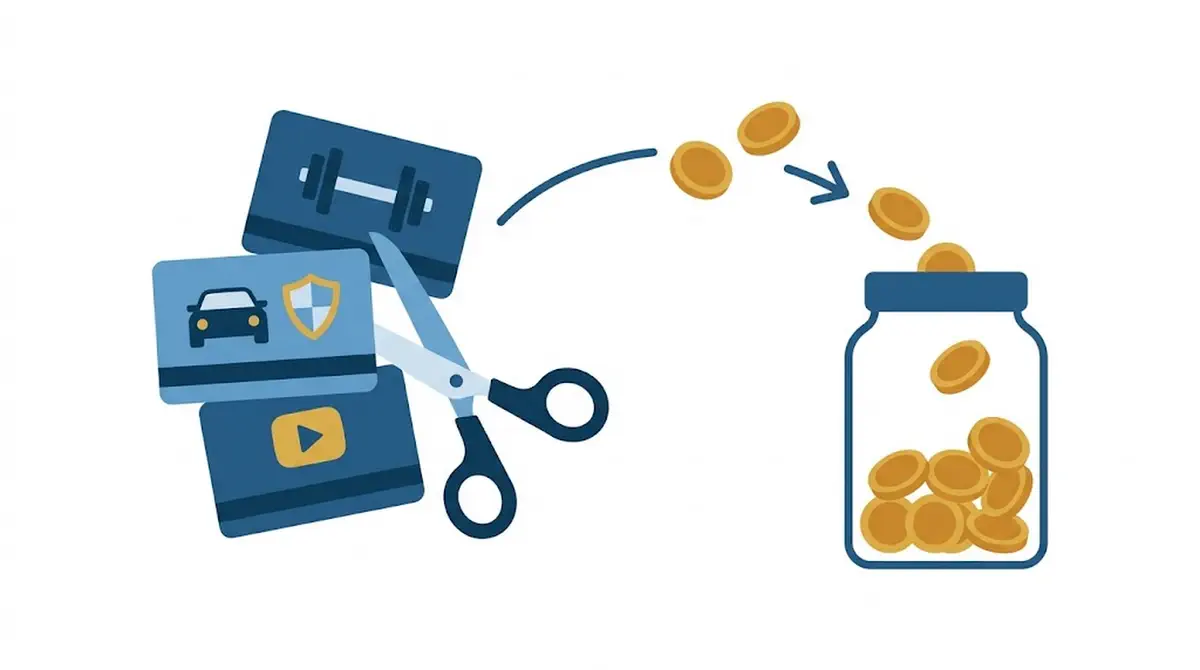
Turn every expense you cut into automatic savings
You cancelled the gym membership you hadn’t used in months. You renegotiated your car insurance and got the premium lowered. You unsubscribed from a streaming service you didn’t even remember you had. That money, in theory, is extra savings every month. In practice, it almost never is: it mixes in with the rest of your available balance, and two months later you couldn’t say where it went.
The tip: move it the same day you cut it
The moment you cancel or renegotiate an expense is the best moment to decide where that money goes, for two reasons. You have the exact figure freshly calculated in front of you, and you haven’t yet gotten used to having that money available every month. If you wait, both advantages disappear: the figure gets blurry and the new margin starts to feel like “just how things are,” the exact same mechanism by which a pay rise dissolves on its own if you don’t give it a destination.
The rule is simple: the same day you confirm the cancellation or the discount, create (or increase) a recurring automatic transfer for that exact amount into your savings. Not “let’s see if I save a bit more this month”: a specific instruction, with a specific number, the same day.
An example with numbers
Sergio and his three cancellations. In September, Sergio cancels the gym (€29.90 a month), gets his car insurance lowered from €480 to €360 a year (€10 a month less) and drops a streaming service he hadn’t opened since the summer (€12.99 a month). Three five-minute tasks that add up to €52.89 a month.
If that money sits in your current account with no instructions, it gets split up on its own between the odd meal out, a small treat, and spending you don’t even notice: exactly the kind of small, scattered charges that are hard to track, the ones that never stand out enough to catch your attention.
Sergio, a year later. Because he set up a €52.89 monthly transfer the same day he cancelled, by the following September he has €634.68 more in savings. Without the transfer, that money would have gone on day-to-day spending without him ever deciding it.
How to apply it today
- Write down the exact figure when you cut the expense. If it’s monthly, the amount is straightforward. If it’s annual (an insurance policy, a membership fee), divide it by twelve to know how much it frees up each month.
- Set up the automatic transfer that same day. Don’t leave it for “when you have a minute”: the money blends in with your paycheck within days and stops being distinguishable.
- Decide the destination before you move it. If your emergency fund isn’t complete yet, it goes there first. If it’s already covered, send it to whatever your next goal is: paying down something, investing, or whatever applies.
- Repeat the exercise every time you cut something new. A subscription you discover you’ve been paying for without using it, a loan you just finished paying off, an insurance policy you finally renegotiated: every cancellation is an identical opportunity, and it helps if automating the transfer is the reflex, not the exception.
How Cuéntamo helps
In Cuéntamo, every fixed expense lives as a recurring item. When you cancel it or change its amount because you renegotiated it, you edit it once and the forecast for the coming months recalculates on its own, so you see the margin you just freed up without doing the maths by hand.
That margin can have a destination from day one. You create a recurring transfer to your savings account for the amount you freed up and, if that account has a savings goal, every transfer counts as a contribution: Cuéntamo shows you how much you have so far and the date you will reach the target at that pace. You’ll find it in Cuéntamo for homes.
Frequently asked questions
Is it worth automating this if the expense I cut is small, like €5 or €10 a month?
Yes, precisely because it’s small: an amount like that never stands out enough for you to deliberately decide to save it, so without automating it, it always dissolves. And several small cancellations added up over a year stop being trivial.
What if I need that money for something else later on?
The money is still yours and still available; automating it doesn’t lock it away, it just gives it a default destination instead of none. If a real need comes up, you can adjust or pause the transfer just like any other standing order.
Does the freed-up money always have to go to the emergency fund?
Not necessarily. If your emergency fund is already complete, it makes more sense to send it to your next priority, whether that’s paying down debt, investing, or saving for a specific goal. The only fixed rule is that it has a decided destination in advance, not that the destination is always the same one.
This article is checked against official sources and reviewed periodically. If you spot anything out of date, email us at [email protected].